
How to Write an ATS-Friendly Resume That Gets You Interviews in 2026
In today's competitive job market, having an "ordinary" resume written the traditional way is no longer enough. The reason is simple: most companies no longer rely on a human eye to read every application. Instead, they use smart software known as ATS that scans and filters resumes automatically before your file ever reaches a recruiter. This means you could be the most qualified candidate for the role, yet get rejected in the first few seconds simply because your resume wasn't written in a way the system understands.
In this guide, we'll focus specifically on how to write a professional, ATS-optimized resume for any job in 2026, explaining how these systems work, the best keywords to use, and the mistakes that get your file rejected without you ever knowing why. And if you want a complete foundation on writing your CV from scratch, you can refer to our detailed guide on how to write a professional CV with a free template and then come back to finish this specialized guide.
What Is a Resume and How Does It Differ From a CV?
A resume is a concise professional document that summarizes your work experience, skills, and qualifications for the purpose of applying to a specific job. The core idea behind a resume is focus and brevity; it doesn't tell your entire professional life story, but presents only what matters to the employer for the role you're applying to.
This is where the key difference from a CV appears. A resume is shorter and more focused on the target job, usually one or two pages, whereas a CV is longer and more detailed and is often used in academic and research fields, sometimes spanning several pages. For most private-sector jobs in Saudi Arabia and the Gulf, what you actually need is a strong, optimized resume, not a long academic CV.
A professional resume typically includes your contact information, a professional summary, your work experience, your education, your skills, and then your courses and certifications. The more organized, clear, and direct it is, the higher its chances of passing automated screening and catching a recruiter's attention.
Why Does a Resume Decide Your Fate in the First Few Seconds?
Recruiters spend only a few seconds reviewing each file, and before that, the automated system has already made its decision. That's why your resume's content must be direct and professional from the very first moment. A strong resume increases your chances of reaching the interview stage, highlights your skills and experience in an organized way, and most importantly improves your odds of passing the ATS systems that have become the first gate to any serious job today.
How Do You Start Writing a Professional Resume?
Before writing a single word, read the job description carefully. This step, which many people skip, is the real secret to success. Try to extract from the listing the required skills, the software tools used, the expected years of experience, the core responsibilities, and the recurring keywords. Then sit down and match your actual experience and skills to these requirements, making your file a direct reflection of what the company is looking for. This matching is exactly what makes both the system and the recruiter feel the resume was "written specifically for this role."
The Essential Sections Every Resume Needs
Contact Information
Start your file with your full name, phone number, professional email address, and city, plus a LinkedIn link if you have one. Use a professional email that contains your name, make sure your contact details are updated and correct, and avoid any extra personal information unrelated to the job.
Professional Summary
The professional summary is the first thing a recruiter reads, so it must be strong and focused. Make it include your years of experience, your key skills, your specialization, and the value you bring to the company. For example: "Digital marketing specialist with experience managing ad campaigns and improving marketing results across social media platforms, seeking to drive measurable growth." Notice how this summary defines specialization, experience, and value in a single sentence.
Work Experience
List your roles from newest to oldest, and for each one mention the job title, company name, employment dates, and your key achievements. And here comes the most important point in the entire file: focus on achievements, not duties. Instead of writing "responsible for marketing," write "managed marketing campaigns that increased sales by 35% within six months." Numbers are what prove your real impact and set you apart from the rest.
Education and Certifications
Mention your university name, specialization, graduation year, and your GPA if it's strong, along with the courses and certifications you've earned. Certifications such as Google Analytics, Digital Marketing, Project Management, Excel, and Python add real weight and improve your compatibility with screening systems.
Skills Section
The skills section helps employers quickly identify your strengths, and it's best to focus only on skills relevant to the role. The table below shows examples by field:
Field | Skills |
|---|---|
Marketing | SEO, Google Ads, Content Marketing |
Programming | JavaScript, React, APIs |
Design | Figma, Photoshop, UI/UX |
Customer Service | Communication, CRM, Problem Solving |
How Do ATS Systems Actually Work?
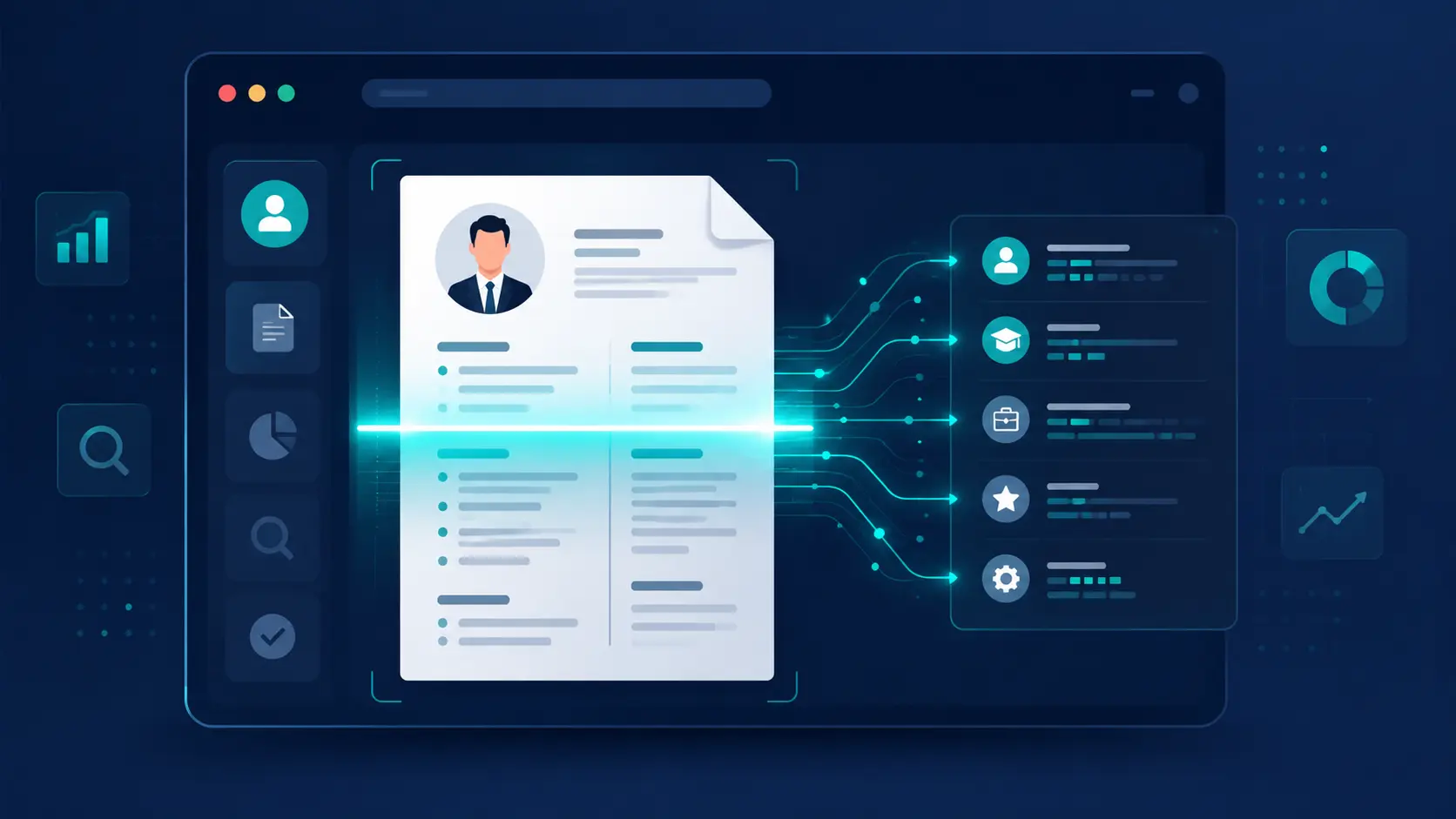
Applicant Tracking Systems (ATS) are software programs companies use to filter resumes automatically before any human sees them. The system analyzes your file searching for keywords, skills, software tools, years of experience, and qualifications, then compares them to the job requirements and gives your file a match score. If the score is low, or if the formatting is so complex the system can't read it, your file is automatically rejected regardless of your real competence. Understanding this mechanism is half the battle.
How to Make Your Resume ATS-Friendly
To improve your file's compatibility with modern ATS systems, use keywords taken directly from the job description and weave them naturally into your experience and skills. Stay away from complex designs, heavy tables, and images that confuse the system, and use clear, traditional section headings such as "Experience," "Skills," and "Education." Keep a simple, clean format, and save the file as a readable PDF, not a scanned image. These small steps can significantly raise your match score and move you from the rejection pile to the shortlist.
You can learn more about modern screening standards through LinkedIn's official resume guidance, which offers advice trusted by one of the largest hiring platforms in the world.
Best Resume Keywords for 2026
Keywords are the language the system understands, and having them appear naturally in your file raises your visibility among accepted results. In marketing, they include words like SEO, Google Ads, Social Media, and Analytics. In programming, they include Python, React, APIs, and Web Development. And in customer service, they include Customer Support, CRM, and Communication Skills. The key is not to stuff them artificially, but to embed them within the context of your real experience and skills.
Best Resume Formatting for 2026
A professional design doesn't mean lots of colors or effects — quite the opposite. Best practices are using a clear, readable font, leaving comfortable white space, organizing sections with clear headings, and keeping an appropriate length. The practical rule is to keep your file to one page if you're a beginner, and two pages maximum if you're experienced. Simplicity here isn't a weakness; it's what makes your file easy to read for both the system and the human.
Traditional Resume vs Modern Resume
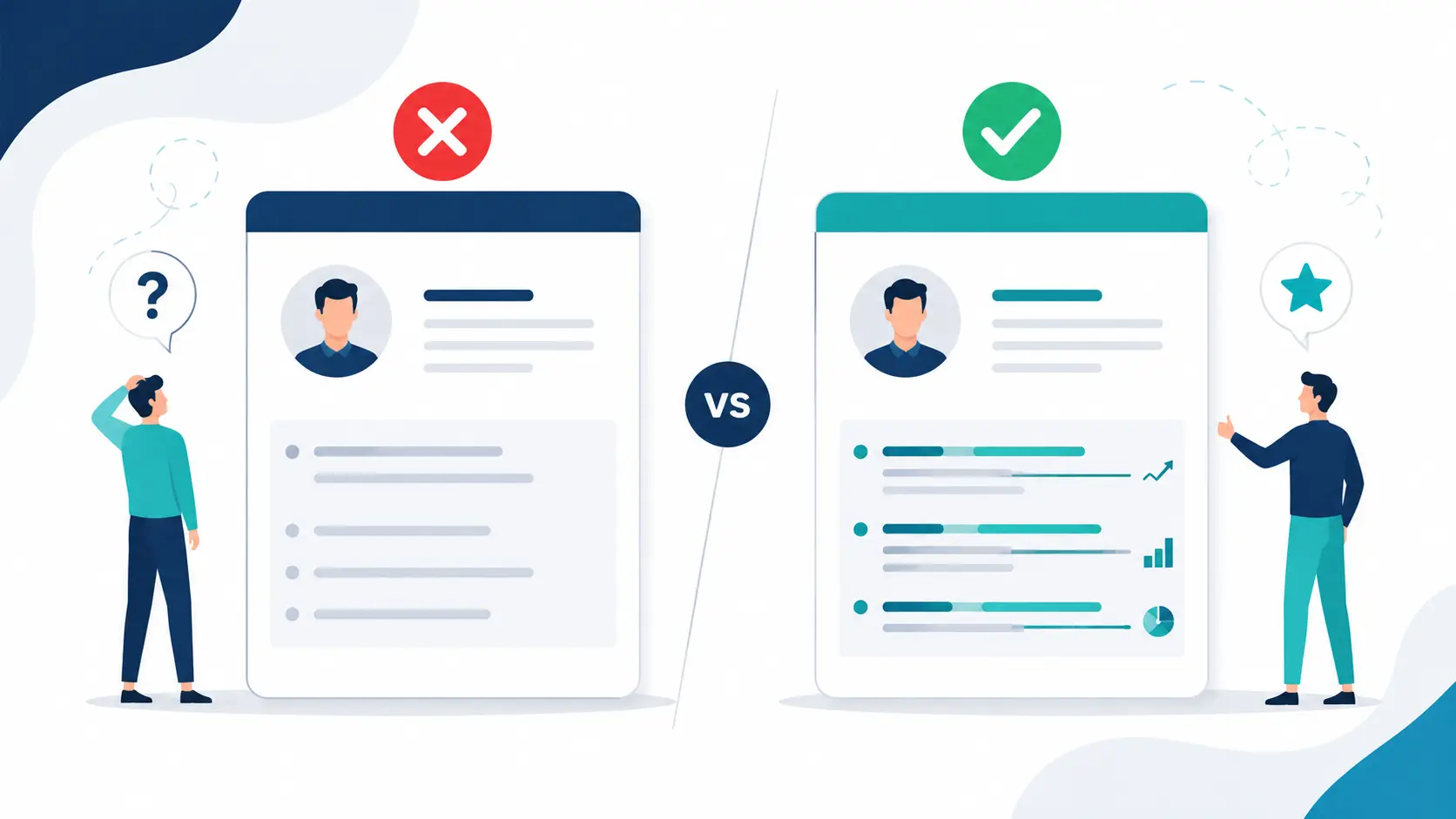
Resume writing has evolved a great deal over the past few years. The traditional resume relied on long paragraphs, crowded designs, and a lot of unnecessary information. The modern resume, on the other hand, is concise and clear, ATS-friendly, achievement-focused with numbers, and uses carefully chosen keywords. Modern companies in 2026 clearly prefer a simple, organized, easy-to-scan file over a crowded one, no matter how "full" the latter may look.
Common Mistakes That Reduce Your Resume's Chances
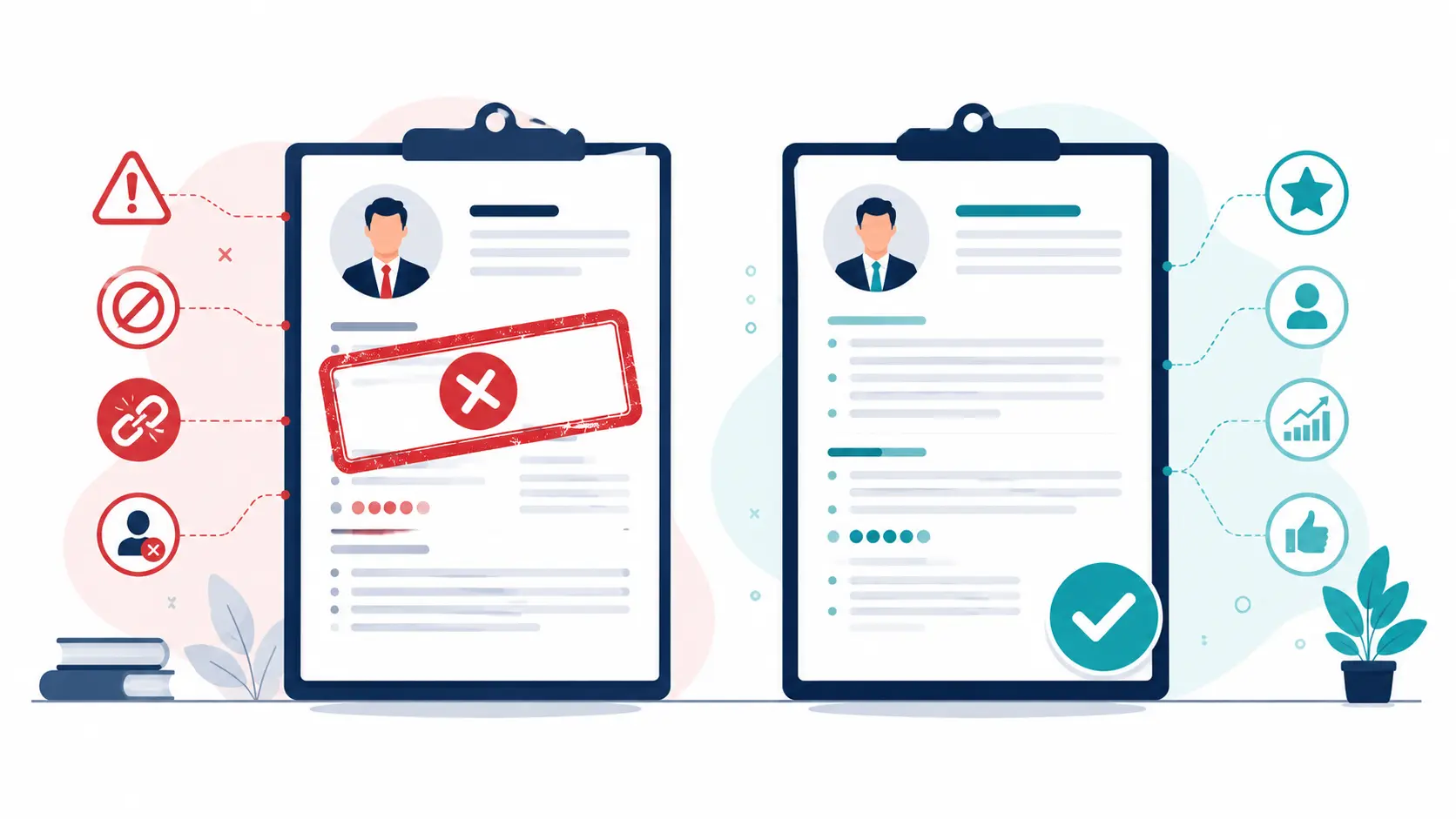
Many job seekers lose opportunities because of avoidable mistakes. The most prominent are spelling errors that signal carelessness, using the same file for every job without customization, complex designs that confuse screening systems, missing keywords, adding information irrelevant to the role, and merely listing duties without showing achievements. Avoiding these mistakes alone moves your file a big step forward.
How to Make Your Resume More Professional
Small details make a big difference. Use real numbers to prove your results, start each bullet with a strong verb like "managed," "developed," and "improved," focus on the outcome rather than the description, use a simple design, and proofread carefully before sending. A practical example: instead of "worked in marketing," write "managed marketing campaigns that increased conversion rates by 25%." The difference between the two sentences is the difference between a file that gets read and one that gets ignored.
Resume Without Experience — What Should You Do?
If you're a recent graduate, don't worry about the empty experience field. Focus instead on your academic projects, the courses you've taken, your internships, your skills, and any volunteer or freelance work you've done. Even small experiences can add real value when presented professionally in a way that highlights what you learned and accomplished.
Simple Resume Example
Name: Mohamed Ahmed
Email: mohamed.ahmed@email.com
Professional Summary: Customer service specialist with three years of experience in communication and improving customer experience, seeking to join a team that values service quality.
Skills: Effective communication, teamwork, time management, CRM systems.
Experience: Customer Service Representative — XYZ Company (2022 — 2025): Handled over 50 inquiries daily and raised customer satisfaction by 25%.
Education: Bachelor of Business Administration — King Saud University (2021)
Frequently Asked Questions
Can I create a resume without experience? Yes. Focus on skills, projects, training courses, and volunteer work — all of which reflect your readiness to work.
What is the best resume format? A simple, clear, ATS-friendly layout with a readable font and comfortable spacing.
Should I include a photo? It depends on the country and employer, and it's best to avoid it with ATS systems since it may confuse the parser.
Should I customize my resume for every job? Yes. Tailoring it significantly improves your chances with both the system and the recruiter.
Final Thoughts
Creating a professional, ATS-friendly resume is no longer an optional step in today's job market — it has become a basic requirement just to reach the interview stage. Keep updating your file regularly, adding your new skills and experiences, and focusing on achievements and keywords relevant to the jobs you target. And if you want to deepen your understanding of writing a complete CV, check out our full guide on how to write a professional CV.
Start exploring the latest job opportunities on NabdJobs, and apply with a professional resume that boosts your chances at modern companies.